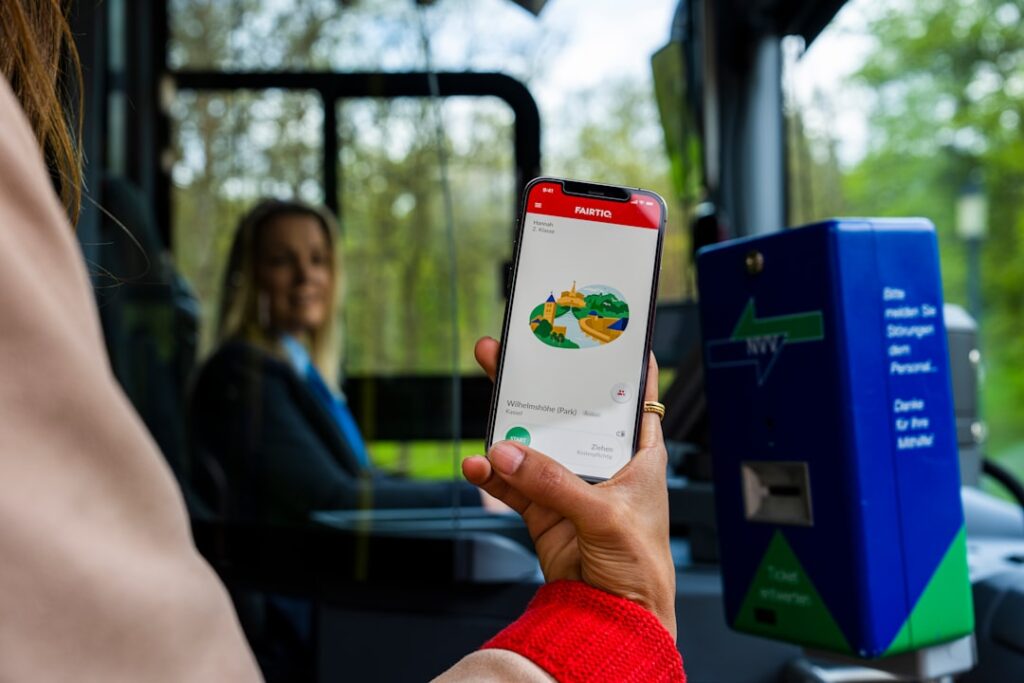






Introduction — Getting around and paying for transport in Padua: why apps make all the difference
Padua (Padova in Italian) is a compact yet lively city in northeastern Italy, famous for the Basilica of Saint Anthony (Basilica di Sant’Antonio), its historic university (Università degli Studi di Padova), and the expansive Prato della Valle square. For today’s traveler—whether you’re a tourist on a tight schedule, a business traveler or a student—navigating and paying for public transport is no longer just about grabbing a paper ticket at a corner tobacco shop. Mobile apps have transformed the experience: they let you plan door-to-door routes, buy digital tickets, validate a fare with a QR code, see real-time bus arrivals, and even access local deals.
This complete guide rounds up the essential apps for getting around Padua, including specific addresses, indicative prices in euros, typical schedules, and practical local tips. It’s aimed at everyone: those who prefer the comfort of trains (Stazione di Padova, Piazza della Stazione, 19, 35131 Padova PD), people relying on the urban bus network, and users of shared solutions (bikes and e-scooters). You’ll find detailed breakdowns of key features, best practices for ticket validation—often enforced in the region—and sample routes for common trips (station → historic center, Venice Airport → Padua, Prato della Valle → Università degli Studi di Padova).
Keep two practical Italian realities in mind as you read: (1) regional travel often mixes national ticketing (Trenitalia, Italo) with local third-party apps; and (2) ticket inspections are frequent: having a valid ticket (paper or digital) is essential to avoid fines. In this guide, each recommended app is described with concrete advantages: typical prices (e.g., an urban ticket valid for 70–90 minutes), accepted payment methods (bank card, Apple Pay/Google Pay, Satispay), and service availability (ticket office hours, train/bus frequency). You’ll also find useful addresses for in-person help, like the station information desk and main bus stops.
Finally, this guide includes local tips: which stop to choose for quick access to Prato della Valle, where to buy a paper ticket if you run into technical issues, and how to activate a temporary SIM card so you can use apps without racking up roaming charges. The images embedded in the text help visualize the places mentioned: the station, stops, major squares, and the interior of a regional train. Charge up your phone, pack a powerbank, and let’s get started—you’ll be ready to move around Padua with confidence.
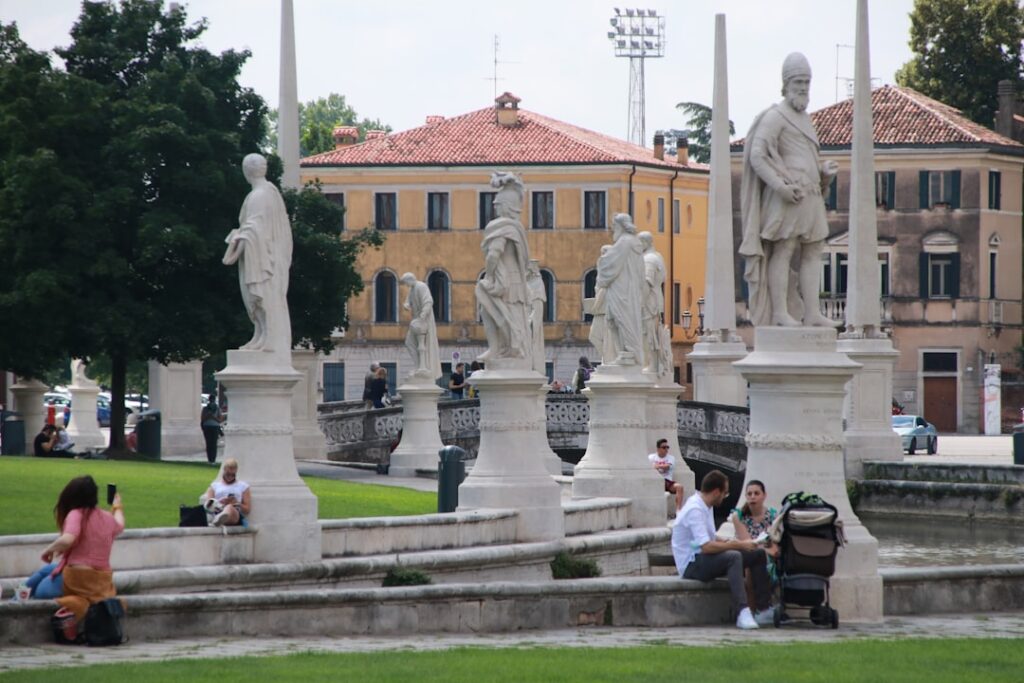
Navigation apps you must have (maps, timetables and routes)
Finding your way around Padua starts with a reliable navigation app. Three apps cover the essentials: Google Maps, Moovit and CityMapper (if available in the region). They differ in interface but share core features: multi-modal planning (bus + train + walking), real-time schedules and alerts. Here’s a closer look.
– Google Maps (iOS/Android): the most widely used tool. It includes train and bus schedules and offers precise walking routes for the cobbled alleys of the historic center. Example: from Stazione di Padova (Piazza della Stazione 19) to Palazzo della Ragione (Piazza delle Erbe 7, 35122 Padova PD), Google Maps will map a walking route (~20 minutes) or suggest a bus depending on the time. Practical benefit: Google Pay integration and real-time traffic info. Local tip: enable the Transit layer to see nearby stops (bus lines 1, 3, etc.) and wait times.
– Moovit (iOS/Android): excellent for multi-modal, real-time planning. Moovit aggregates schedules from APS Padova (the urban network) and regional trains like Trenitalia. Its stop displays and “approaching” notifications are often more accurate than Google for local bus rides. Practical example: enter “Prato della Valle” and Moovit will often suggest a bus route with a transfer via “Autostazione Padova (Bus Terminal), Piazza Cavour 1, 35122 Padova PD.” It also shows journey durations (typically 10–25 minutes in the city) and average frequency (every 10–20 minutes on central lines during the day).
– Citymapper (iOS/Android): where available in Padua, Citymapper offers extra options (taxis, bikes) and useful time vs. cost comparisons. If Citymapper isn’t available, use Moovit for equivalent features. Citymapper is especially handy for combining shared bikes with buses—for example, to reach the University (Università degli Studi di Padova, Via 8 Febbraio 1848 2, 35122 Padova PD) from the station.
A few practical navigation tips:
- Offline maps: download the region in advance (Google Maps or Maps.me) if you might lose data. Offline mode still shows your route without a connection.
- Real-time schedules: always check data freshness. In Padua, traffic can vary during university events or market mornings (for instance at Piazza delle Erbe).
- Main landmarks: remember three reference points: Stazione di Padova (Piazza della Stazione 19), Prato della Valle (the large green square) and Palazzo della Ragione (Piazza delle Erbe 7). Locals and drivers commonly use these when giving directions.
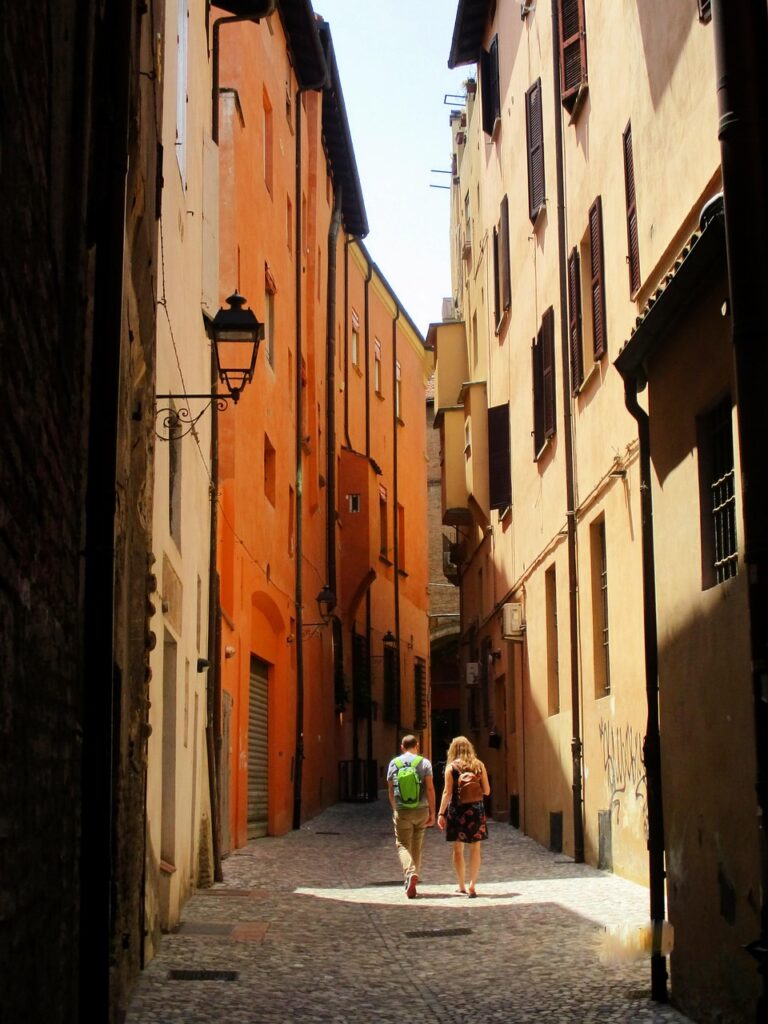
- Walking routes: in the historic center, walking is often the fastest and most pleasant option: narrow streets, arcades and small squares make bus routes less direct.
Apps to buy transport tickets (urban buses and mixed tickets)
Buying and validating a ticket is the crucial step to avoid fines. In Padua, several apps let you buy urban and interurban tickets: myCicero, TicketSì / Vivaticket, Trenitalia (for trains), and mobile payment solutions like Apple Pay or Google Pay integrated into apps. Here are the most useful apps and how to use them.
– myCicero (iOS/Android): one of the most popular apps to buy bus tickets across Italy. Features: instant purchase, digital ticket with QR code, purchase history. Indicative prices: single urban ticket (valid 70–90 minutes) around €1.60–€1.70; day ticket (24h) around €4.00–€5.00 depending on zones. Example usage: select “Padova”, choose the urban zone, buy a ticket. Validation: activate the ticket when boarding or just before a check. Payment options include card, Apple Pay/Google Pay and Satispay.
– Vivaticket / TicketSì: sells event tickets and sometimes transport tickets in certain areas. Some local operators partner with Vivaticket to offer subscriptions and combined tickets (bus + museum). Prices and availability vary by offer—check the terms before purchasing (often non-refundable).
– Trenitalia (iOS/Android): essential for regional and high-speed trains. Example: a regional ticket from Padova → Venezia Santa Lucia typically costs €3.40–€6.00 depending on time and season. For Padova (Piazza della Stazione, 19) → Venezia Santa Lucia (Piazzale Roma) there are multiple regional trains daily, with high frequency in mornings and evenings. Buy and validate through the app (some regional trains still require physical validation with a validator machine at the station or onboard; the app is mainly used for time-specific tickets).
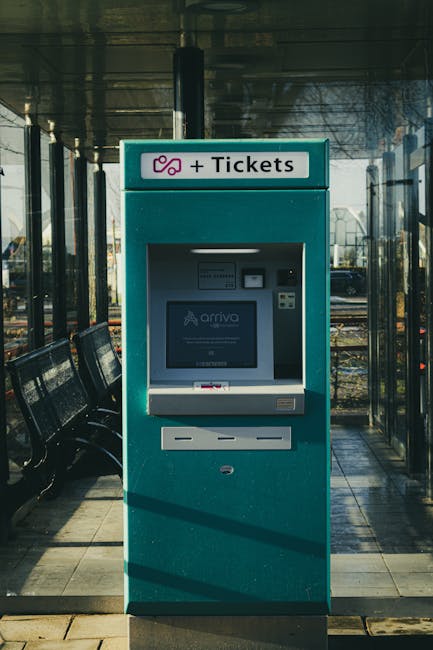
– Paper tickets and sales points: if you prefer or face a technical issue, buy at a tobacco shop (Tabaccheria) or a ticket machine. A common machine is at Stazione di Padova (available depending on station hours). Useful address: Stazione di Padova, Piazza della Stazione, 19, 35131 Padova PD — ticket office and machines usually operate from 05:30 to 23:00; expect queues at peak times.
Practical tips:
- Activate the ticket just before boarding: some apps require activation to timestamp the start—don’t activate too early if your departure is later.
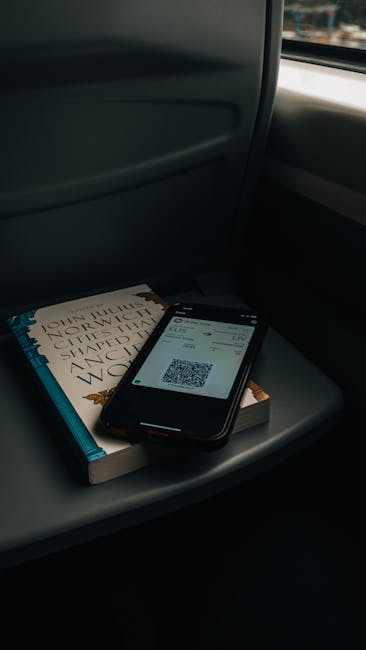
- Keep proof of purchase: screenshot the QR code or keep the confirmation email until your trip ends.
- Student fares: the Università di Padova often offers reduced subscription rates; ask university offices about accepted student cards.
- Stations and timing: Stazione di Padova is a key hub—arrive 10–15 minutes before departure to validate or pick up your ticket if needed.
Apps for regional and long-distance trains (Trenitalia, Italo, Trainline)
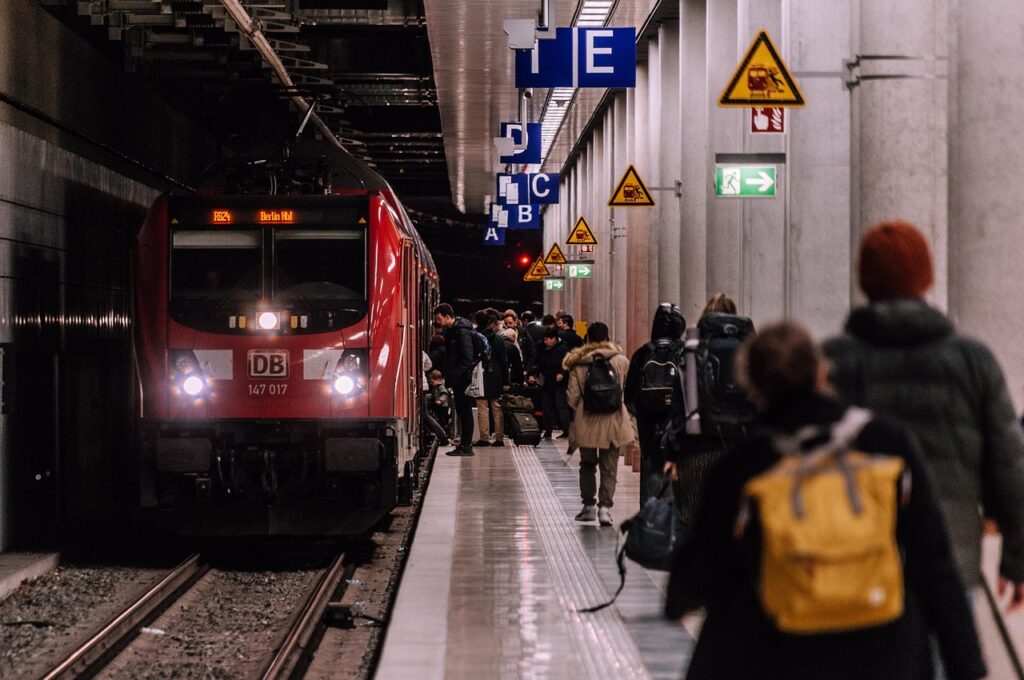
For trips to Venice, Verona, Bologna or Milan, trains are often the best option. Padua is served by Stazione di Padova (Piazza della Stazione, 19), a regional and national rail hub. Here are the apps and practical info you should know.
– Trenitalia (iOS/Android): the official app for regional, intercity and Frecce high-speed trains. Features include purchasing, seat reservations (for Frecce), zones under control, and delay notifications. Example trip: Padova → Venezia Mestre (regional train) runs frequently, takes about 20–30 minutes, and costs roughly €2.60–€4.50. A Frecciarossa to Bologna may cost €15–€30 depending on how far in advance you book. The station ticket office provides train tickets and assistance at Stazione di Padova (ticket office hours typically 06:00–20:00; some services may stay open later seasonally).
– Italo (iOS/Android): mainly covers high-speed long-distance routes between some Italian cities. If you travel with Italo, check whether your origin/destination stations are served (Italo covers Padua on certain routes). Prices vary—usually higher than regional trains but with more comfort and frequency.
– Trainline (iOS/Android): a very handy aggregator to compare prices and schedules across Trenitalia, Italo and regional operators. Great for planning long-distance trips: it shows travel time, connections and allows booking in a few taps. For instance, Trainline will list regional options and prices for Padova (Piazza della Stazione 19) → Venezia Santa Lucia so you can compare quickly.
Schedules and practical advice:
- Frequent services: regional trains between Padua and Venice run every 15–30 minutes during peak hours and every 30–60 minutes in the evening. Check schedules the day before for connections.
- Validate/compost tickets: for regionali (R) trains you often need to validate physically or via an app before departure. For some routes digital activation suffices. When in doubt, ask staff when boarding or buy a ticket marked “convalidato.”
- Gates and platforms: Stazione di Padova has electronic boards and announcements. Platforms are numbered—arrive 5–10 minutes early to locate your carriage.
- Baggage: no special formalities on regional trains; long-distance services offer dedicated luggage space.
Mobile payments, validation and anti-fine tips
Paying and validating correctly is the key to stress-free travel in Padua. Inspections are common, especially on university lines and during rush hours. Here are the main payment options and validation rules.
– Common mobile payments: Apple Pay and Google Pay are widely accepted in many apps (myCicero, Trenitalia, Trainline). Satispay is an Italian peer-to-peer payment solution popular for small payments and integrated into some ticketing flows—check whether your chosen app supports it. Bank cards (Visa/Mastercard) remain the most common payment method and are usually accepted directly in apps.
– Validation: for urban tickets bought with apps like myCicero, you typically need to « activate » the ticket at the departure time. Activation generates a QR code / on-screen token—show it to an inspector if checked. For regional trains, if you bought an open ticket (no specific time), validation may not be required; for time-specific tickets keep the digital receipt ready for inspection.
Concrete example: you board bus number 1 near Stazione di Padova (Piazza della Stazione, 19). Open myCicero, choose “Buy ticket → Padova urban → Single ticket”, pay (€1.60), then activate the ticket. Keep the activation screen visible during the ride; if an APS inspector asks for proof, you can scroll to your purchase history.
Anti-fine tips:
- Never travel without a ticket: fines for lacking proof can exceed €50–€100 depending on circumstances. Inspectors often ask for ID when issuing fines.
- Screenshot: take a screenshot of the activated ticket in case your mobile connection drops.
- Inspection hotspots: checks are frequent at station exits (Stazione di Padova) and at university stops in the early morning and late afternoon.
- Get help: for technical issues, head to the ticket office at Stazione di Padova (Piazza della Stazione, 19) or to the tourist info point if available.
Practical tips, useful addresses and sample routes (station, airport, center)
Here’s a handy collection of addresses, opening hours and sample routes for common journeys. These details will help you move around confidently.
Key addresses:
- Stazione di Padova (Padova Centrale) — Piazza della Stazione, 19, 35131 Padova PD. Ticket office: usually open 06:00–20:00. Ticket machines: available 24/7 depending on station facilities.
- Palazzo della Ragione — Piazza delle Erbe, 7, 35122 Padova PD. Walkable from the station in 15–20 minutes or reachable by bus.
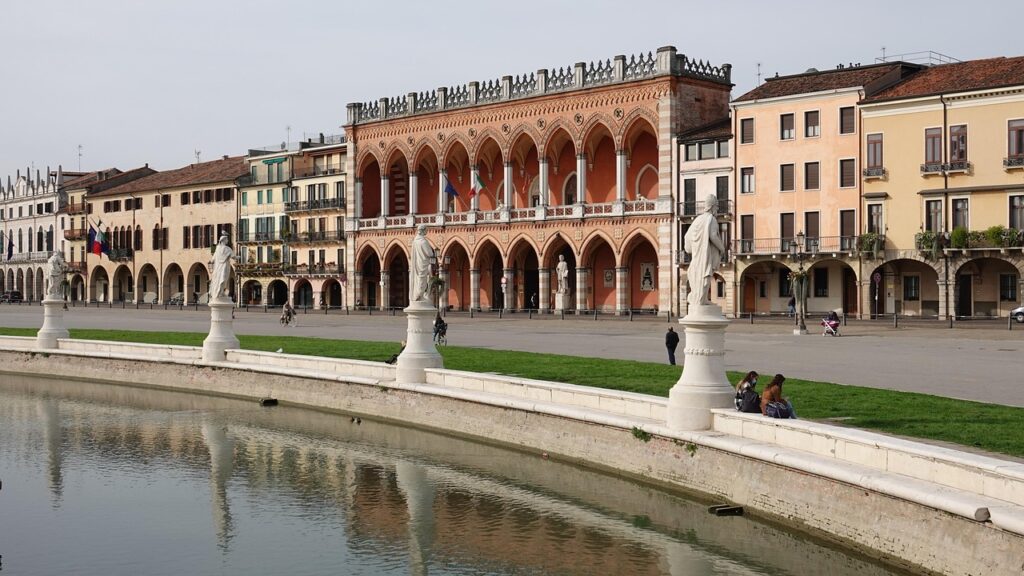
- Prato della Valle — the large square between Via Umberto I and Via 8 Febbraio (central area). The closest stop depends on your direction; consult Moovit for the nearest stop to your starting point.
- Autostazione Padova (Bus Terminal) — Piazza Cavour 1, 35122 Padova PD. The departure point for interurban buses and coaches to the airport and other cities.
Sample routes:
- Station → Historic center (Palazzo della Ragione, Piazza delle Erbe 7): 15–20 min on foot (via Corso del Popolo) or a short bus ride depending on schedules. Urban ticket: ≈ €1.60, valid 70–90 minutes.
- Venice Marco Polo Airport → Padua: multiple options—taxi, direct ATVO bus (Venice Airport → Padova Autostazione) or train via Venezia Mestre. ATVO/ACTV direct buses generally cost €6.00–€8.00 and take around 50–70 minutes depending on traffic. Trains via Venezia Mestre cost about €4.00–€8.00 and take 40–60 minutes depending on connections.
- Prato della Valle → Università degli Studi di Padova (Via 8 Febbraio 1848 2): 10–20 min on foot or a short bus ride. It’s a pleasant walk through small squares and local shops.
Schedules to keep in mind:
- Urban buses (APS Padova): typical daytime frequency on main lines is every 10–20 minutes, reduced in the evening (around 20–60 minutes). Check Moovit or Google Maps the day before for exact frequency.
- Regional trains: early services from around 05:30–06:00, frequent service until about 22:00; precise times on Trenitalia/Trainline.
- Station ticket offices: most open 06:00–20:00; tourist info points (IAT) may have variable hours (check seasonal schedules).
Final local tips:
- Local SIM / data: if you’re staying several days, a prepaid Italian SIM (Tim, Vodafone, WindTre) will save you from roaming hassles when using apps. Sales points are in the city center and at Stazione di Padova.
- Powerbank: bring a powerbank—navigation and ticket validation drain batteries fast.
- Language: most apps are available in English/Italian; ticket office staff often speak basic English, but knowing a few Italian words (biglietto = ticket, convalidare = validate) helps.
- Plan B: if an app crashes, buy a paper ticket at the nearest Tabaccheria: fares are the same, but paper validation may differ.
Conclusion — Get organized to travel stress-free in Padua
Padua offers a rich, accessible urban experience: a compact historic center, a well-connected station and an efficient bus network. Mobile apps are now essential to take full advantage of this accessibility: they let you plan, buy and validate tickets, skip queues and reduce stress around connections. To sum up: download at least one navigation app (Google Maps or Moovit), a ticketing app (myCicero or Trenitalia depending on your needs), and make sure you have an active mobile payment method (bank card, Apple Pay/Google Pay, or Satispay if you use it).
Before each departure, check live schedules (apps often show real-time updates), activate your ticket at the right moment and keep proof of purchase. For trains, use Trenitalia or Trainline to compare prices and book ahead; for urban journeys, myCicero and the station’s ticket machines are reliable backups. Remember the useful addresses mentioned: Stazione di Padova (Piazza della Stazione, 19), Autostazione Padova (Piazza Cavour 1) and cultural landmarks like Palazzo della Ragione (Piazza delle Erbe 7) to orient yourself.
Finally, think practically: a local SIM, a powerbank and a few Italian phrases will help you enjoy Padua without being slowed down by tech problems. Ticket inspections are real: prevention is the best strategy—buy and activate tickets properly, keep a screenshot, and if in doubt, visit the station ticket office or a nearby Tabaccheria. With these tools and tips, getting around Padua will be smooth, economical and relaxed—so you can focus on the beauty of Basilica di Sant’Antonio, the peaceful sweep of Prato della Valle and the city’s lively university vibe.